

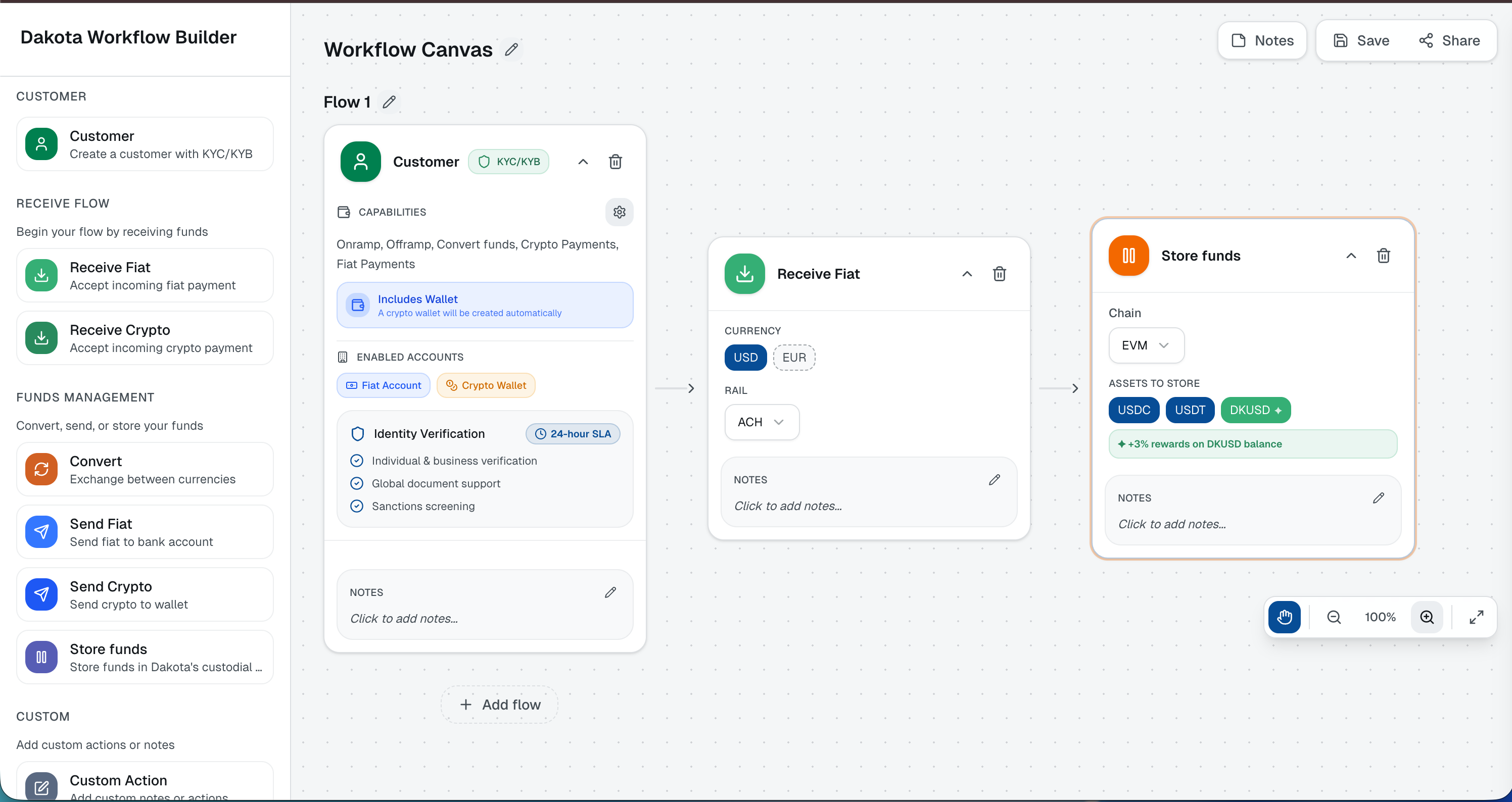
How to Use
- Click the image above to launch the interactive Funds Flow Builder
- Design your flow - Use the visual builder to create your payment flow
- Configure steps - Set up each step in your funds flow with the appropriate parameters
- Review API calls - See the corresponding API reference for your flow
- Share your flow - Click the “Share” button to copy a link to your flow. You can share this link with our support or sales team to discuss your specific use case or ask questions
- Implement - Use the generated API calls in your integration
Need Help?
If you have questions about your specific flow or need assistance with your integration, click the Share button in the Funds Flow Builder to copy a link to your configuration. Share this link with:- Our support team for technical assistance
- Our sales team to discuss your use case and requirements